Event Reminder Emails, Texts and Calls: Templates and Timing That Cut No-Shows
Copy-ready event reminder templates for email, text, WhatsApp and phone calls, with the schedule that tells you when to send each one and which channel to use.
TL;DR
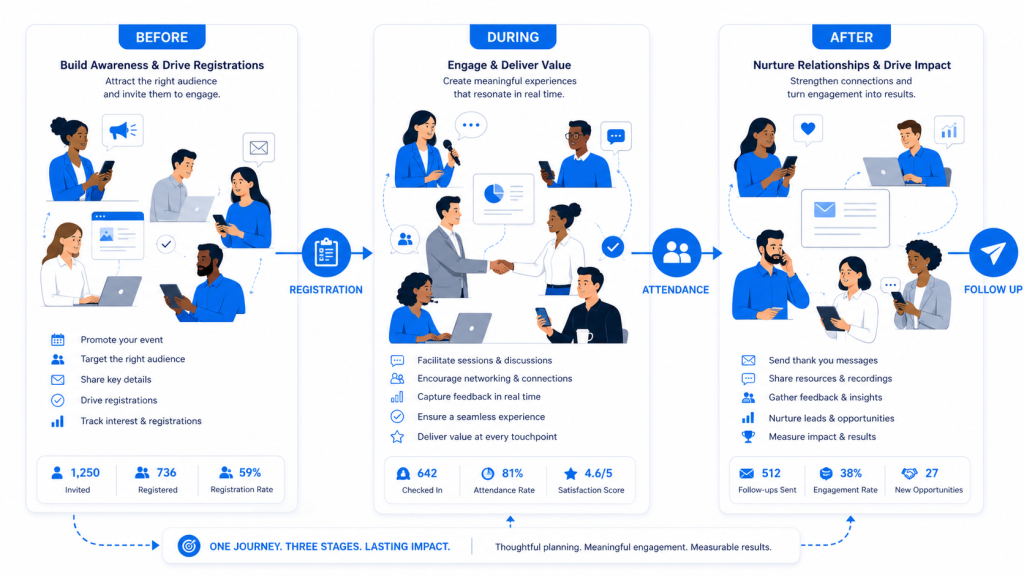
Send five event messages: a confirmation right after registration, a logistics reminder one week before, a short commitment check two days before, a nudge on the morning of the event, and a thank-you or follow-up within a day after it. Use email for detail and a text, WhatsApp message or call for the short reminders that need to be seen.
 ChatGPT
 Claude
 Perplexity
 Grok
 Google AI
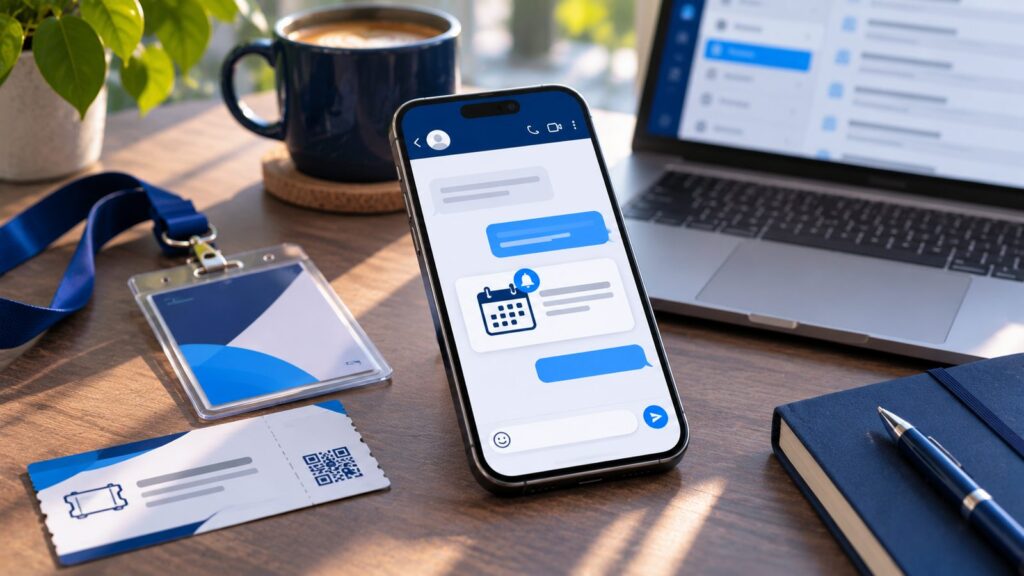
Most no-shows are not decisions; people forget, get busy or lose the details. A clear reminder schedule fixes most of that. Below are copy-ready templates for each message, in email, text, WhatsApp and phone versions, with the timing for each one. Replace the words in [brackets] with your own details.
The Event Reminder Schedule at a Glance
| When | Message | Best channel | Its one job |
|---|---|---|---|
| Right after registration | Confirmation | Confirm the booking and give the details | |
| One week before | Logistics reminder | Plan the trip or block the time | |
| Two days before | Commitment check | Text, WhatsApp or call | Find out who is still coming |
| Morning of | Last nudge | Text or WhatsApp | Get people out the door or online |
| Within a day after | Thank-you or follow-up | Share content, ask for feedback |
For webinars and virtual events, add a reminder one hour before and a “We’re live” message at the start time.
Event Confirmation Email: Right After Registration
Send this automatically within minutes of registration. It is the email people search for later, so put every key detail in it.
Subject: You’re registered for [Event Name] on [Date]
Hi [First Name],
You’re confirmed for [Event Name].
When: [Day, Date], [Start Time] to [End Time] [Time Zone]
Where: [Venue Name, Address] (or: Join online at [Link])
Add to calendar: [Calendar Link]What to expect: [one-line agenda highlight].
Can’t make it any more? [Cancel Link]. It frees your place for someone on the waitlist.
Questions? Reply to this email.
See you there,
[Your Name], [Organization]
One Week Before: The Logistics Reminder
This message helps people plan the day: travel, parking, what to bring, when to arrive.
Subject: [Event Name] is one week away: your plan for the day
Hi [First Name],
[Event Name] is next [Day]. Here’s what you need:
Arrive: from [Time]; doors open at [Time], the program starts at [Time]
Getting there: [parking or transit details]
Bring: [photo ID, ticket QR code, laptop]
Don’t miss: [session or speaker]Full agenda: [Link]
See you next week,
[Your Name]
Two Days Before: The Commitment Check
This is the most useful message in the schedule because it asks for a reply. A clear yes or no tells you who is coming, lets you release seats to the waitlist and gives catering a more accurate number. A text, WhatsApp message or short call gets far more replies than an email.
Text or WhatsApp:
Hi [First Name], it’s [Organization]. [Event Name] is on [Day] at [Time], [Venue]. Are you still able to join us? Reply YES to confirm or NO if your plans have changed.
Email version:
Subject: Still joining us on [Day]?
Hi [First Name],
[Event Name] is the day after tomorrow. Please confirm you can still make it:
[Yes, I’ll be there] [I can’t make it]
Thanks,
[Your Name]
Use WhatsApp’s quick-reply buttons for “Yes, I’ll be there” and “I can’t make it” to make replying a single tap. See WhatsApp for Events.
Morning Of: The Last Nudge
Short, friendly and practical. Send it two to three hours before doors open.
Good morning [First Name]! [Event Name] starts today at [Time]. Doors open at [Time] at [Venue]. Your ticket: [Link]. Questions? Just reply here.
For online events:
Hi [First Name], [Event Name] goes live at [Time] [Time Zone] today. Join here: [Link]. We’ll start on time.
Confirmation Call Script
For high-value events such as executive summits, galas, sponsor programs or paid conferences, a short call works better than any written reminder. It reaches people who skip email, and it surfaces problems (a clash, a travel issue, a question) while you can still fix them. Keep calls under two minutes:
“Hi [First Name], this is [Name] calling from [Organization] about [Event Name] on [Day]. I’m just checking you’re still able to join us.”
If yes: “Great. Doors open at [Time] at [Venue]. Is there anything you need from us before then, like parking or dietary needs?”
If unsure: “No problem. Is there anything that would make it easier to attend? We can also send you the recording if that’s better.”
If no: “Thanks for letting us know. We’ll release your seat and send you the recording afterwards.”
Calling every registrant is rarely practical for a team. AI Voice for Events from KATHN makes these calls at scale, in the attendee’s language, and logs each answer so you know who is coming, who is not and who needs a follow-up.
After the Event: Thank-You and Follow-Up Emails
Send within a day. Attendees and no-shows get different messages.
Attendees:
Subject: Thank you for joining [Event Name]
Hi [First Name],
Thank you for being at [Event Name]. [One specific moment, e.g. “The discussion on the AI panel ran well past time, which says a lot.”]
Recordings and slides: [Link]
Two-minute feedback survey: [Link]
Save the date: [Next Event and Date]Thanks again,
[Your Name]
No-shows:
Subject: We missed you at [Event Name]: here are the recordings
Hi [First Name],
Sorry you couldn’t make it to [Event Name]. Here are the session recordings so you don’t miss out: [Link]
We’d love to see you at [Next Event] on [Date]: [Link]
[Your Name]
Need survey questions? See our 40 post-event survey questions.
Event Reminder Email Subject Lines
- You’re registered for [Event Name] on [Date]
- [Event Name] is one week away: your plan for the day
- Still joining us on [Day]?
- Tomorrow: [Event Name] starts at [Time]
- Your ticket for [Event Name] is inside
- Don’t miss [Speaker Name] on [Day]
- We’re live in one hour: join [Event Name]
- Thank you for joining [Event Name]
- We missed you: [Event Name] recordings inside
Put the event name and the date or day in the subject, and keep it short enough to read on a phone.
Which Channel to Use When
- Email: detailed information (confirmations, agendas, directions, recordings). Easy to search for later, easy to ignore.
- Text (SMS): short, time-sensitive reminders. Read quickly, but one-way and limited in length.
- WhatsApp: short reminders that need a reply, plus tickets, location pins and documents in the same chat. Widely used for events with international attendees.
- Phone call: confirming attendance for high-value registrants and finding out why someone might not come.
- Chatbot on your event site: answering the questions reminders trigger (“Where do I park?”, “Is the session recorded?”). See AI Chatbot for Events.
Get consent for texts, WhatsApp and calls at registration and follow the rules where your attendees live, such as TCPA in the United States and CASL in Canada.
Common Reminder Mistakes
- Sending every reminder by email only.
- Forgetting the time zone for virtual or multi-city events.
- Putting the location or link below the fold instead of at the top.
- Never asking for a reply, so you only find out who isn’t coming when they don’t arrive.
- Sending no-shows the same thank-you as attendees.
- Stopping all communication after the event.
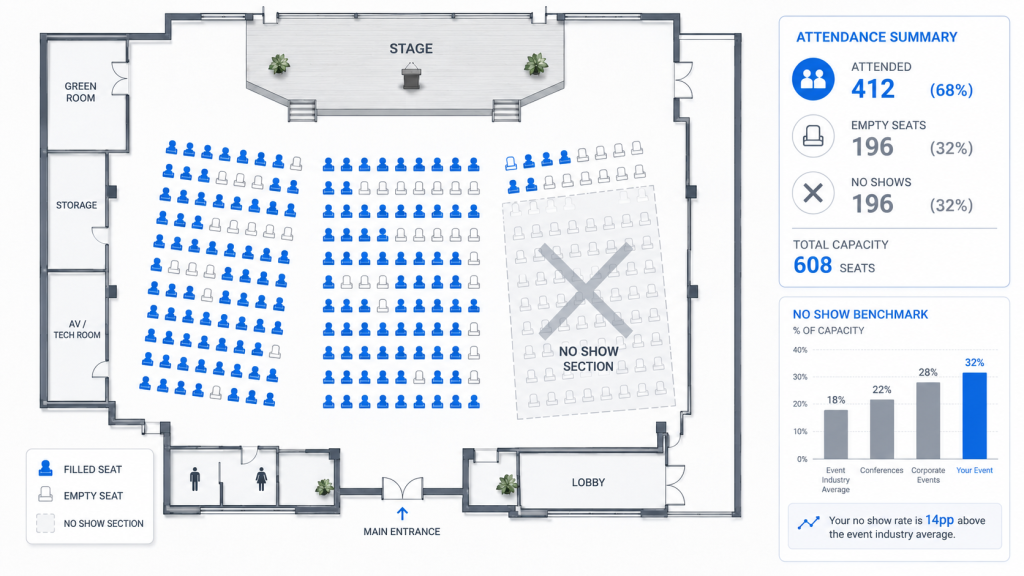
To measure how well your reminders work, compare your attendance against registrations; our guide to the no-show rate shows how, and 10 proven ways to reduce event no-shows covers the other levers. The reminders also fit into the wider event planning checklist.
Key Takeaways
- Five messages cover the whole cycle: confirm, one week, two days, morning of, follow-up.
- Each message has one job; long reminders get skimmed.
- The two-days-before message should ask for a reply, so you learn who is not coming.
- Use email for details and a text, WhatsApp message or call for short reminders.
- No-shows need their own follow-up, not the attendee thank-you.
How We Can Help You?
WhatsApp for Events
Two-way conversations where stakeholders already read their messages, with quick-reply buttons, tickets, location pins and documents in the chat.
Frequently Asked Questions
A common schedule is: a confirmation right after registration, a reminder one week before, another two days before, and a short message on the morning of the event. For webinars, add a reminder one hour before and when the session goes live.
Two or three reminders before the event, plus the registration confirmation, is enough for most events. More than that tends to be ignored. Spread them out and give each one a different job: logistics, commitment check, last nudge.
The event name, date, start time and time zone, the location or joining link, how to get there or log in, one agenda highlight, a calendar link, and an easy way to cancel or ask a question.
They do different jobs. Email suits detailed information such as agendas and directions. Text and WhatsApp messages suit short reminders that need to be seen, and WhatsApp lets attendees reply, so you can confirm attendance. Always collect consent before messaging.
Thank attendees for coming, mention one specific moment or session, share the recordings or slides, link to a short feedback survey, and give one next step such as the date of the next event. Send no-shows a separate message with the recordings.